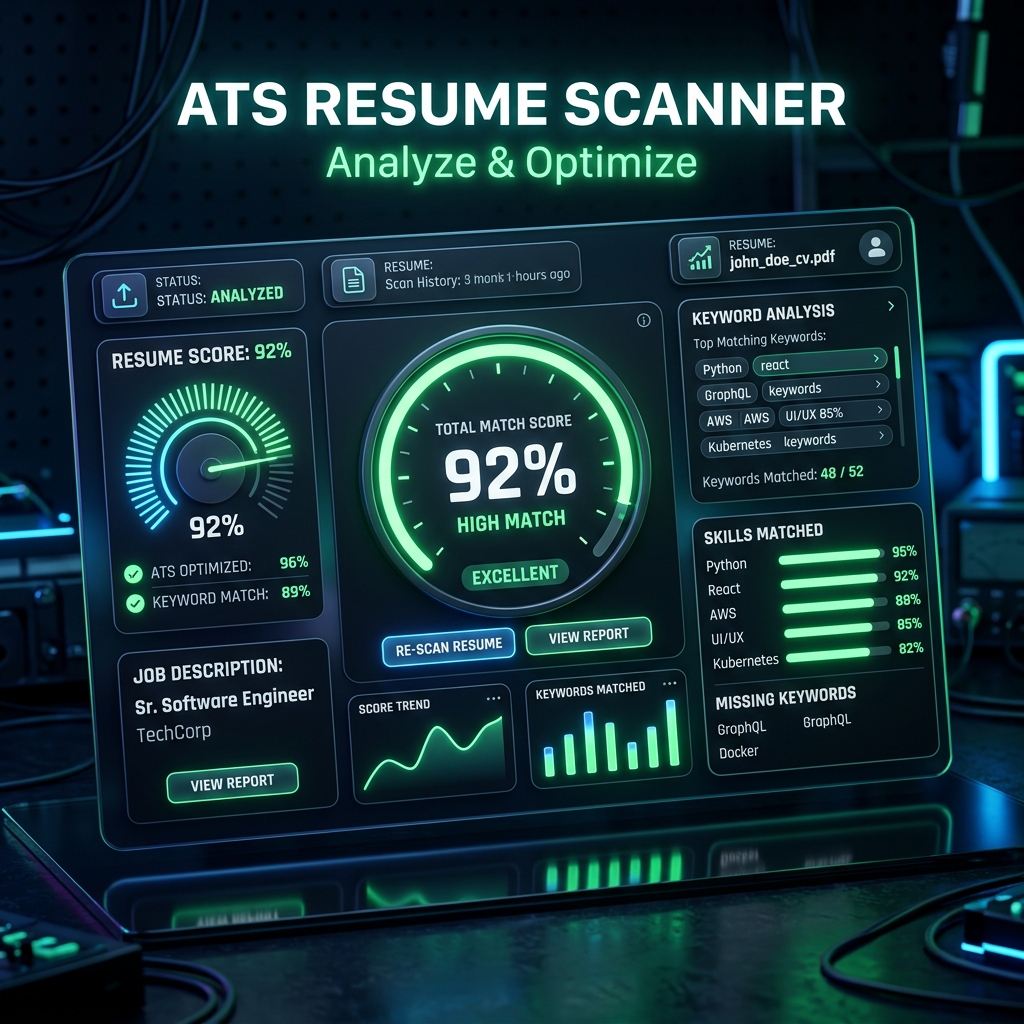
How Modern ATS Scanners Parse Resumes
When you apply for a remote job, a human rarely reads your CV first. Instead, applicant tracking systems (like Greenhouse and Lever) parse the PDF, search for specific skill keywords, and assign a match score. If your score is below 80%, your resume is automatically archived.
To pass these algorithms, you must optimize your resume structure.
Tip 1: Match the Job's Specific Skill Keywords
Analyze the job description. If it lists "Next.js", "TypeScript", and "REST APIs", those exact terms must appear in your skills section. Do not use abbreviations unless they are also in the posting.
Tip 2: Use ATS-Friendly Formatting
Avoid multi-column layouts, graphics, icons, or complex tables. While they look visually appealing to humans, ATS parsers read left-to-right, meaning multi-column layouts get scrambled into unreadable gibberish. Use a single-column, simple markdown or Word template exported as a clean PDF.
Tip 3: Tailor the CV for Each Application
Never send the same generic CV to 50 jobs. Instead, adjust the highlighted achievements in your experience section to emphasize the results most relevant to the role you are applying for.